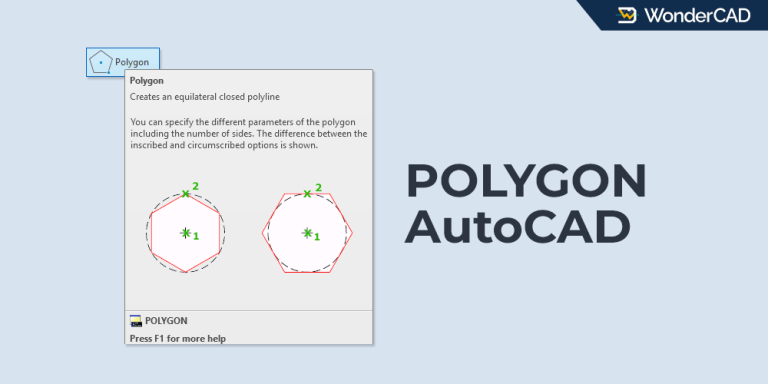
The POLYGON command lets you create equilateral polygons by specifying a radius or the length of one side.
Articles & Tutorials
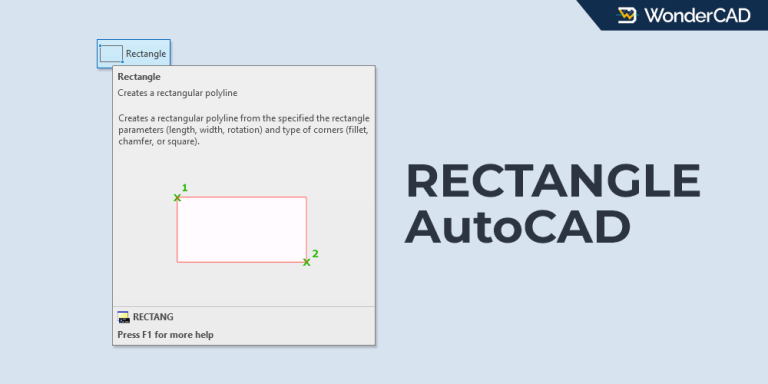
How to Use the RECTANGLE Command in AutoCAD
The RECTANGLE command lets you create square and rectangular objects instantly with several creation options.
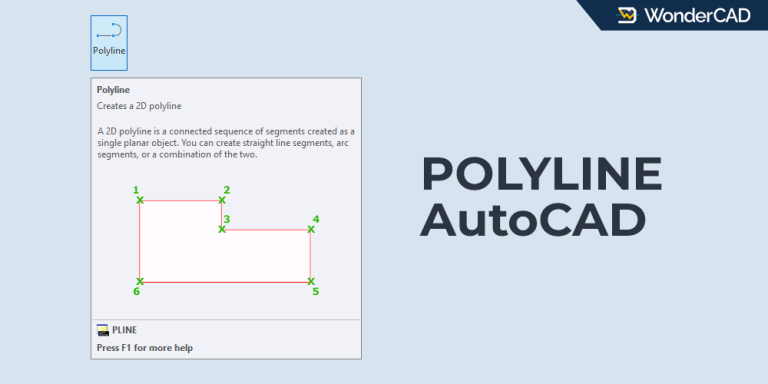
How to Use the POLYLINE Command in AutoCAD
The POLYLINE command lets you create connected line and arc segments that remain part of one object.
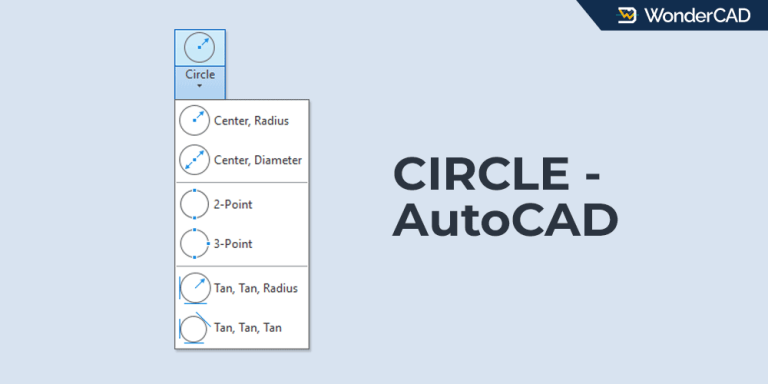
How to Use the CIRCLE Command in AutoCAD
The CIRCLE command in AutoCAD provides six different methods. Choose the method that best fits your drawing requirements.
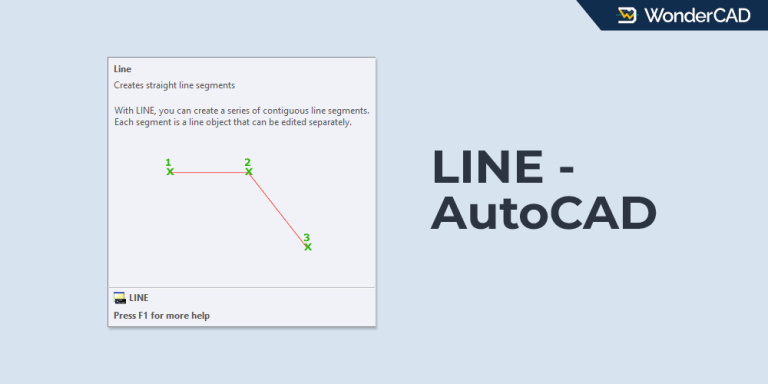
How to Use the LINE Command in AutoCAD
Learn how to use the LINE command in AutoCAD to create straight line segments and connected lines.
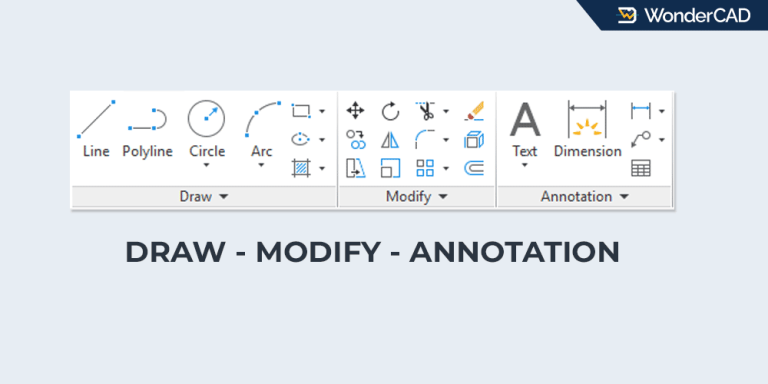
3 Essential AutoCAD Command Groups for Beginners
Frequently used commands are located in the Draw, Modify, and Dimension groups. Learn where to find them.