• Skip to primary navigation
  • Skip to main content

wondercadWonderCAD

Learn CAD and Download Files

  • Categories
    • Mechanical & Manufacturing
    • Electrical & Automation
    • Home & Utility
    • CAD Practice
  • How to Download
  • FAQ
0

AutoCAD

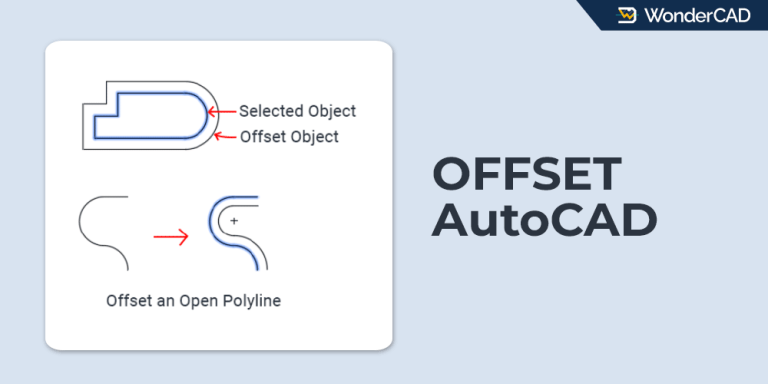
OFFSET-command-autocad

How to Use the OFFSET Command in AutoCAD

Updated: August 28, 2026 - AutoCAD

Learn how to use the OFFSET command in AutoCAD to create parallel objects with step-by-step instructions.

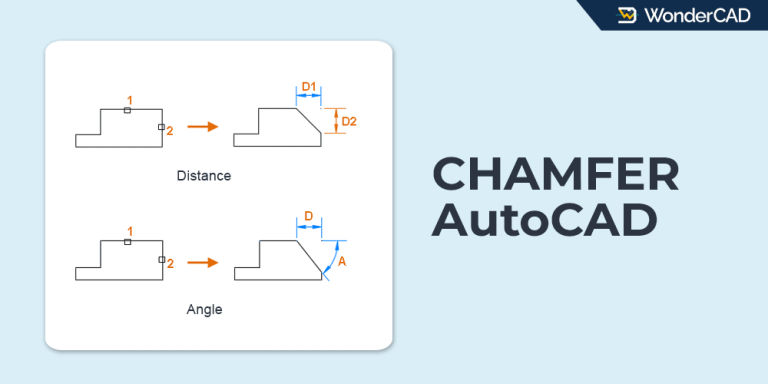
Chamfer-Command-AutoCAD

How to Use the CHAMFER Command in AutoCAD

Updated: June 22, 2026 - AutoCAD

Learn how to use the CHAMFER command in AutoCAD to create beveled edges between objects.
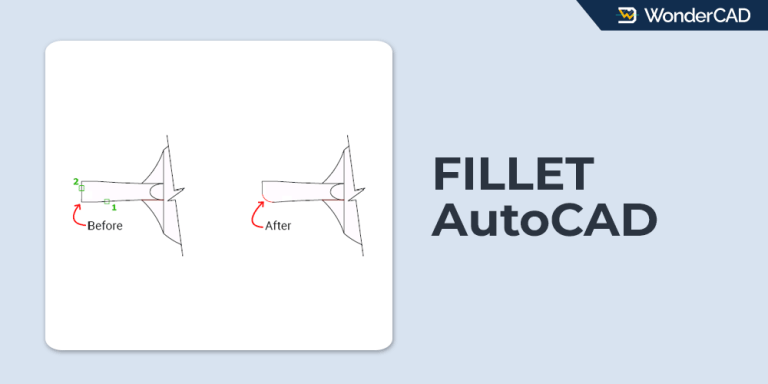
Fillet-Command-AutoCAD

How to Use the FILLET Command in AutoCAD

Updated: June 17, 2026 - AutoCAD

Learn how to use the FILLET command in AutoCAD to create rounded corners and manage fillet options.
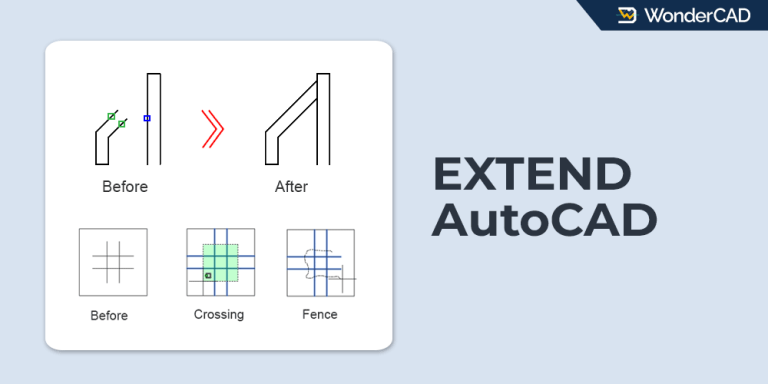
Extend-Command-AutoCAD

How to Use the EXTEND Command in AutoCAD

Updated: June 16, 2026 - AutoCAD

Learn how to use the EXTEND command in AutoCAD to extend objects quickly and accurately.
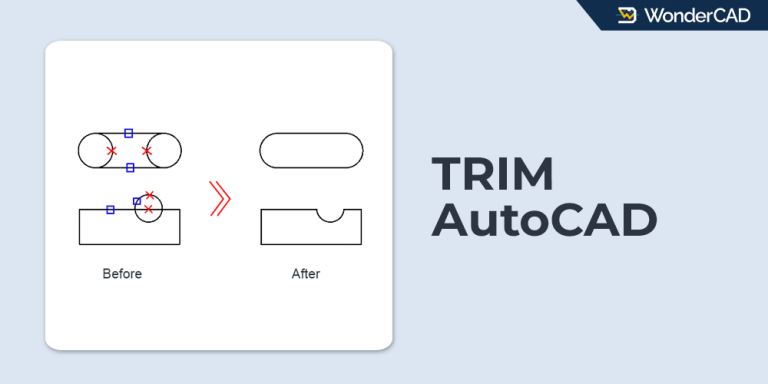
Trim-Command-AutoCAD

How to Use the TRIM Command in AutoCAD

Updated: June 15, 2026 - AutoCAD

Learn how to use the TRIM command in AutoCAD, including the default workflow and Quick TRIM method.
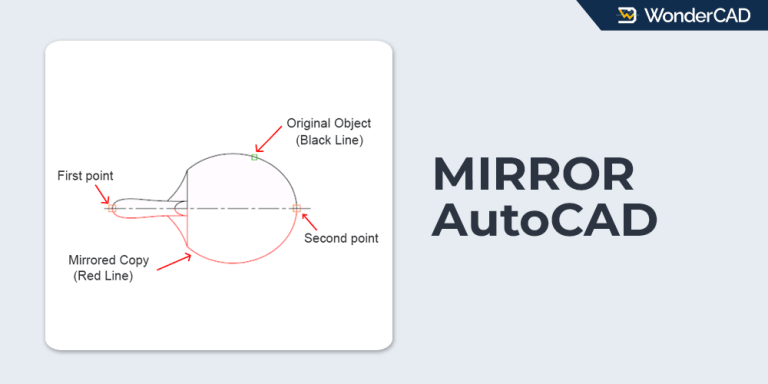
mirror-autocad

How to Use the MIRROR Command in AutoCAD

Updated: June 13, 2026 - AutoCAD

Learn about the function of the MIRROR command in AutoCAD and how to use it.

  • Page 1
  • Page 2
  • Page 3
  • Page 4
  • Go to Next Page »

WonderCAD 3D CAD Models for Practice and Real Projects.

Categories

Mechanical & Manufacturing Electrical & Automation Home & Utility CAD Practice

Product Types

3D Model 3D Print Ready Manufacturing Ready CAD Practice CAD Template

Resources

Articles & Tutorials How to Download Product Guide FAQ

About

About WonderCAD Privacy Policy Disclaimer Contact Us

Secure Payments

PayPalMidtransQRIS
© Copyright © 2026 WonderCAD. All rights reserved.