
• Skip to primary navigation
  • Skip to main content

wondercadWonderCAD

Learn CAD and Download Files

  • Categories
    • Mechanical & Manufacturing
    • Electrical & Automation
    • Home & Utility
    • CAD Practice
  • How to Download
  • FAQ
0

Mr. N

polygon-command-autocad

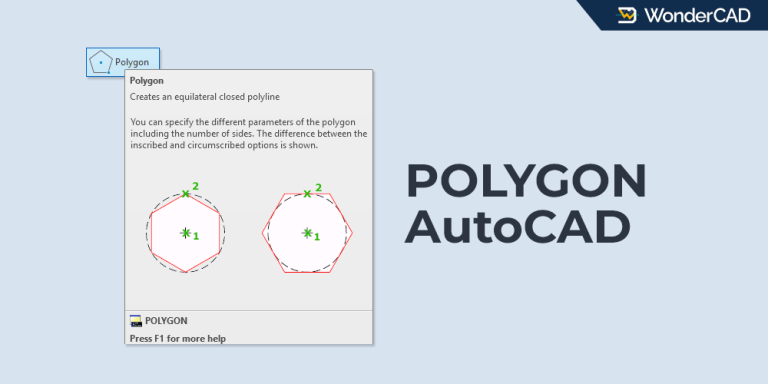
How to Use the POLYGON Command in AutoCAD

Updated: June 2, 2026 - AutoCAD

The POLYGON command lets you create equilateral polygons by specifying a radius or the length of one side.
rectangle-autocad

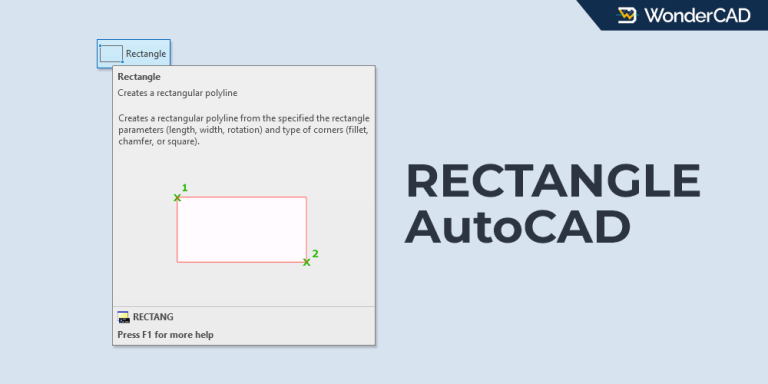
How to Use the RECTANGLE Command in AutoCAD

Updated: June 2, 2026 - AutoCAD

The RECTANGLE command lets you create square and rectangular objects instantly with several creation options.
POLYLINE-AUTOCAD

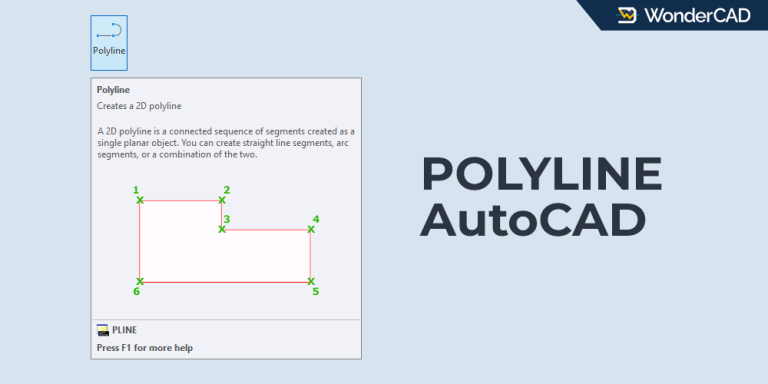
How to Use the POLYLINE Command in AutoCAD

Updated: June 2, 2026 - AutoCAD

The POLYLINE command lets you create connected line and arc segments that remain part of one object.
CIRCLE-Command-AutoCAD

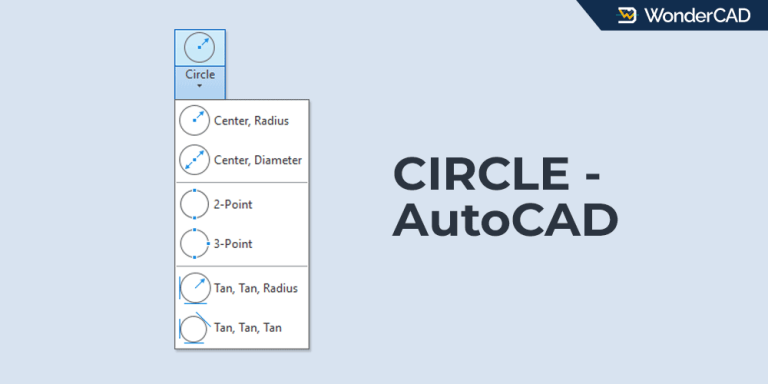
How to Use the CIRCLE Command in AutoCAD

Updated: June 1, 2026 - AutoCAD

The CIRCLE command in AutoCAD provides six different methods. Choose the method that best fits your drawing requirements.
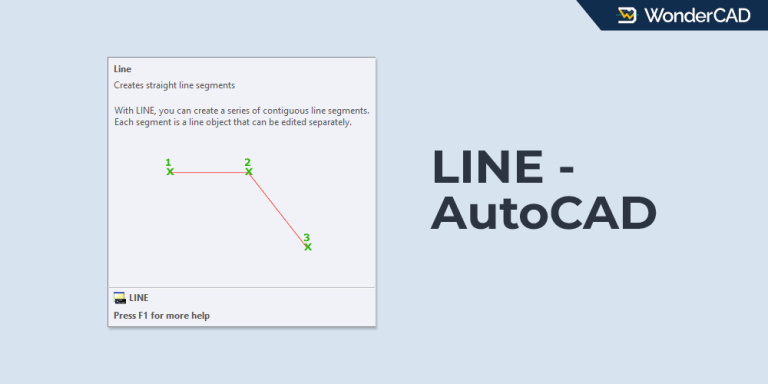
LINE-Command-AutoCAD

How to Use the LINE Command in AutoCAD

Updated: June 1, 2026 - AutoCAD

Learn how to use the LINE command in AutoCAD to create straight line segments and connected lines.
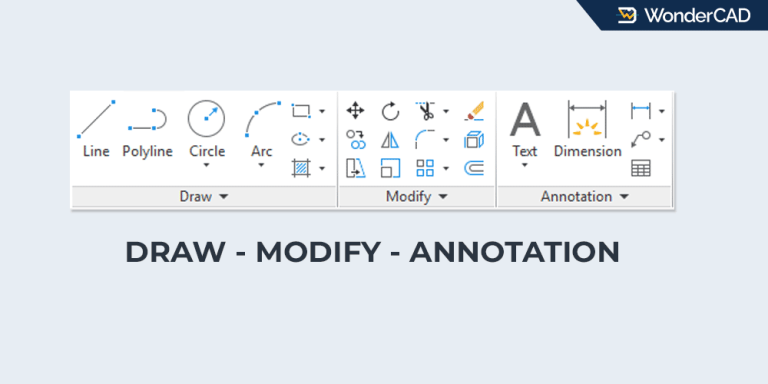
DRAW-MODIFY-ANNOTATION

3 Essential AutoCAD Command Groups for Beginners

Updated: June 16, 2026 - AutoCAD

Frequently used commands are located in the Draw, Modify, and Dimension groups. Learn where to find them.

  • « Go to Previous Page
  • Page 1
  • Page 2
  • Page 3
  • Page 4
  • Page 5
  • Go to Next Page »

WonderCAD 3D CAD Models for Practice and Real Projects.

Categories

Mechanical & Manufacturing Electrical & Automation Home & Utility CAD Practice

Product Types

3D Model 3D Print Ready Manufacturing Ready CAD Practice CAD Template

Resources

Articles & Tutorials How to Download Product Guide FAQ

About

About WonderCAD Privacy Policy Disclaimer Contact Us

Secure Payments

PayPalMidtransQRIS
© Copyright © 2026 WonderCAD. All rights reserved.