
• Skip to primary navigation
  • Skip to main content

wondercadWonderCAD

Learn CAD and Download Files

  • Categories
    • Mechanical & Manufacturing
    • Electrical & Automation
    • Home & Utility
    • CAD Practice
  • How to Download
  • FAQ
0

Mr. N

Autocad-coordinate-systems

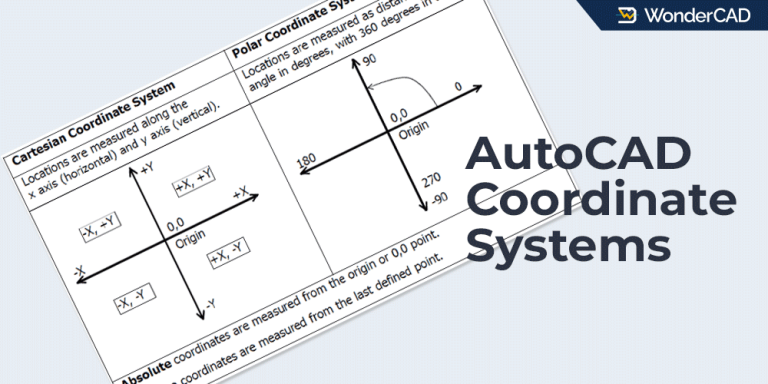
AutoCAD Coordinate Systems & How to Specify Point Location

Updated: June 1, 2026 - AutoCAD

Learn about AutoCAD coordinate systems and the methods used to determine point locations accurately.
AutoCAD-Grid-&-Snap

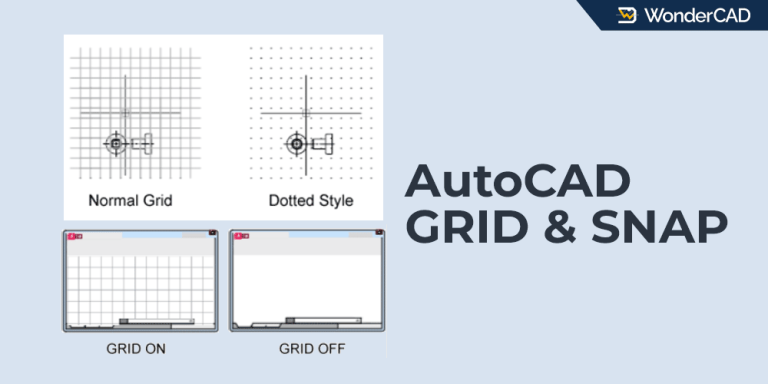
Grid and Grid Snap in AutoCAD

Updated: June 1, 2026 - AutoCAD

Grid and Grid Snap are two features that are often used together. They both serve to ensure objects are aligned and spaced correctly.
AutoCAD-ORTHO-POLAR-Tracking

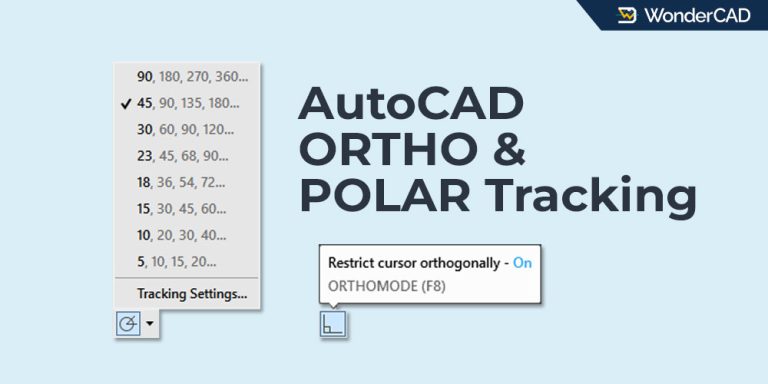
ORTHO Mode & Polar Tracking in AutoCAD

Updated: June 1, 2026 - AutoCAD

This article will explain two very frequently used features in AutoCAD, namely ORTHO Mode and Polar Tracking.
osnap-autocad

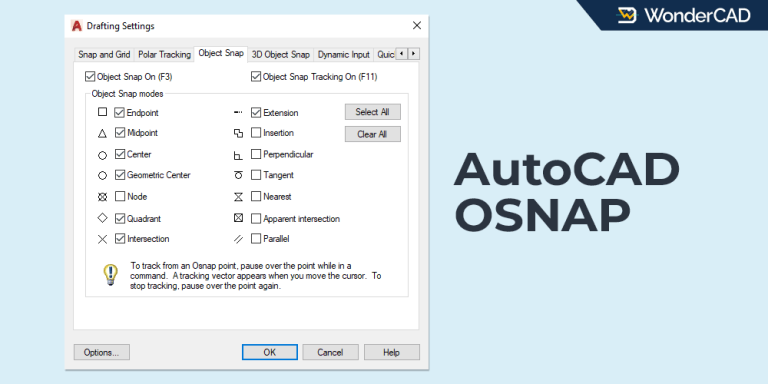
OSNAP & Snap Override in AutoCAD

Updated: June 1, 2026 - AutoCAD

This article explains the function of OSNAP and two related features: Object Snap Tracking and Temporary OSNAP.
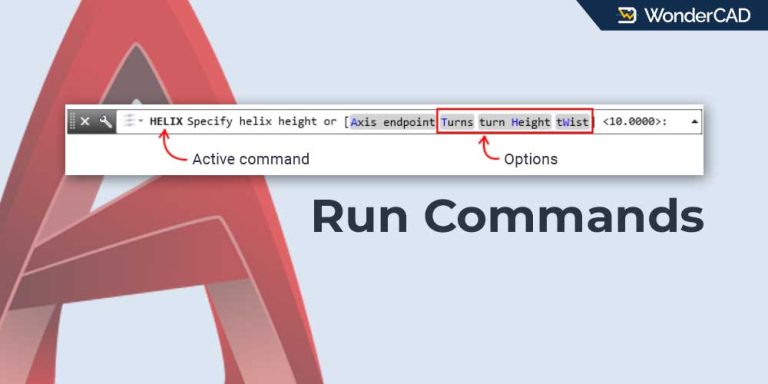
run command in autocad

How to Execute Commands and Select Options in AutoCAD

Updated: June 1, 2026 - AutoCAD

This article explains how to activate commands in AutoCAD, follow command-line prompts, and select command-line options.
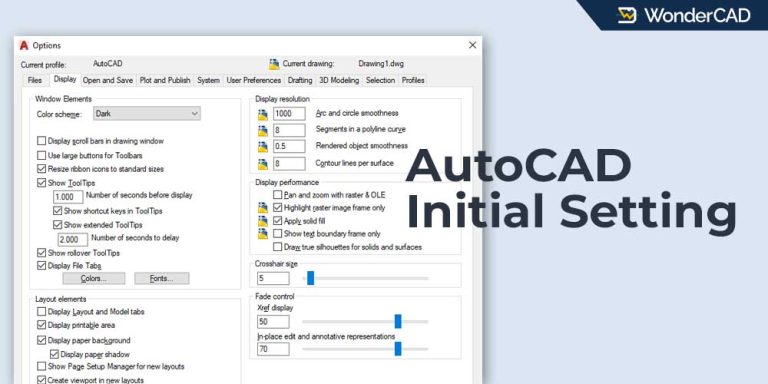
Autocad-initial-setting

AutoCAD Initial Settings

Updated: June 1, 2026 - AutoCAD

In this article, we’ll discuss some of the initial settings commonly configured by AutoCAD users.

  • « Go to Previous Page
  • Page 1
  • Page 2
  • Page 3
  • Page 4
  • Page 5
  • Go to Next Page »

WonderCAD 3D CAD Models for Practice and Real Projects.

Categories

Mechanical & Manufacturing Electrical & Automation Home & Utility CAD Practice

Product Types

3D Model 3D Print Ready Manufacturing Ready CAD Practice CAD Template

Resources

Articles & Tutorials How to Download Product Guide FAQ

About

About WonderCAD Privacy Policy Disclaimer Contact Us

Secure Payments

PayPalMidtransQRIS
© Copyright © 2026 WonderCAD. All rights reserved.